
Airbnb & Vrbo Listing Kit
Let guests know you offer EV charging. Check the EV charger box, type your price, copy the text into your listing and download clean photos of your Boba charger.
1Check the EV charger box
Guests can filter Airbnb and Vrbo searches to show only places with an EV charger. If the box isn't checked, your listing won't show up for them.
Airbnb
- Go to Listings and pick your listing.
- Under Listing editor, tap Your space.
- Tap Amenities, then Add +.
- Search EV charger and check it.
- Tap Done.
Vrbo
- Log in to your Owner Dashboard and pick your listing.
- Go to Property, then Edit property.
- Under Property details, tap Amenities.
- Find the EV charger amenity and check it.
- Save your changes.
2Type your price per kWh
Use the same price you set in the Boba owner app.
3Copy and paste the text
Your price fills in on its own. Tap Copy, then paste it into your listing.
Listing description
Paste into your Airbnb or Vrbo listing description.
Photo caption
Paste as the caption under your charger photo.
Check-in instructions
Paste into your check-in instructions or house manual.
4Download photos for your listing
Full-size 3000 × 2000 photos, the landscape size Airbnb and Vrbo use. Tap Download on the ones you want.
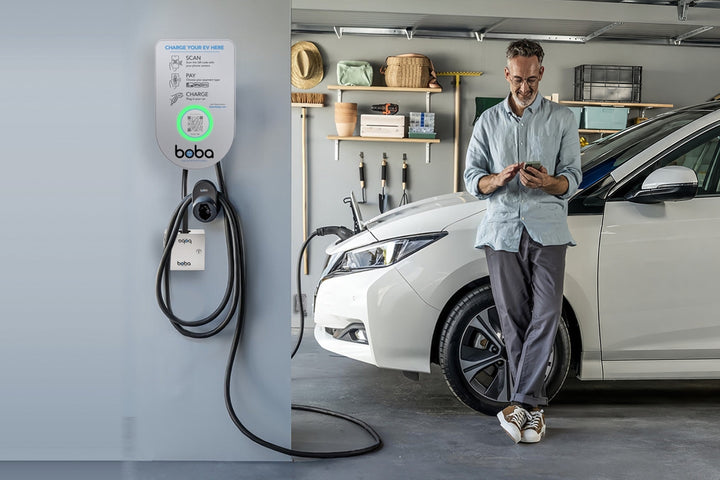
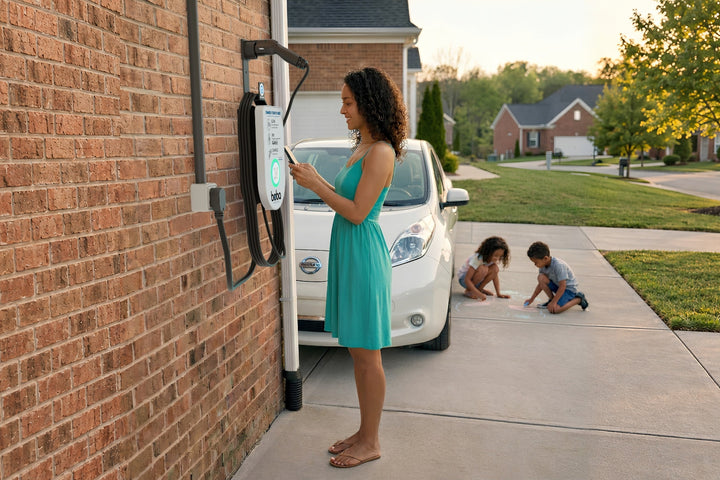
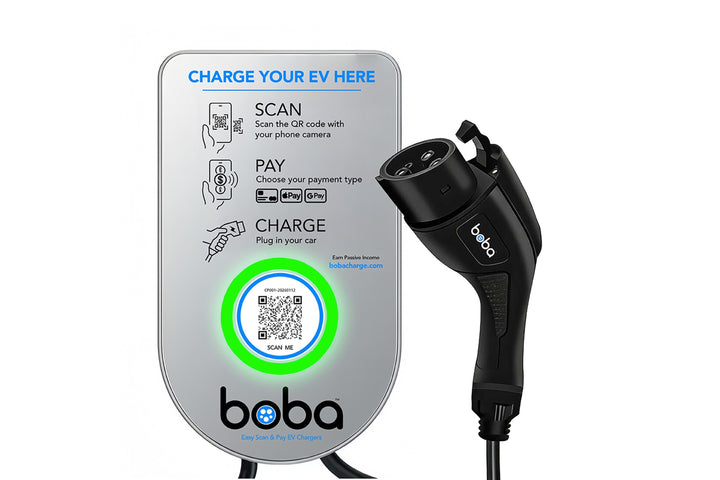


Tip: add a photo of your own Boba charger at your property too. Guests trust real photos of the place they are booking.